How to make an election
Last updated: June 26, 2026
Your fund manager may request you make a decision in a corporate action election.
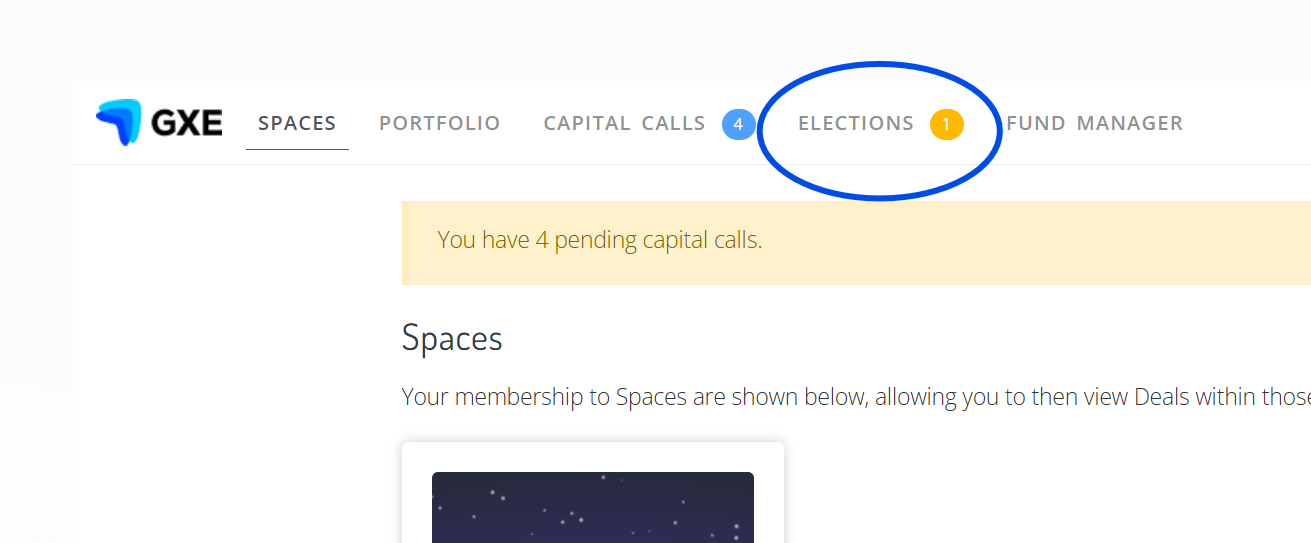
You will see an "Elections" button appear in your GXE portal. Click on this to see the elections assigned to you.
You will see all the investment entities and securities you hold that are relevant to this election.
For each holding, you will need to make a choice to receive cash or shares by clicking the buttons.
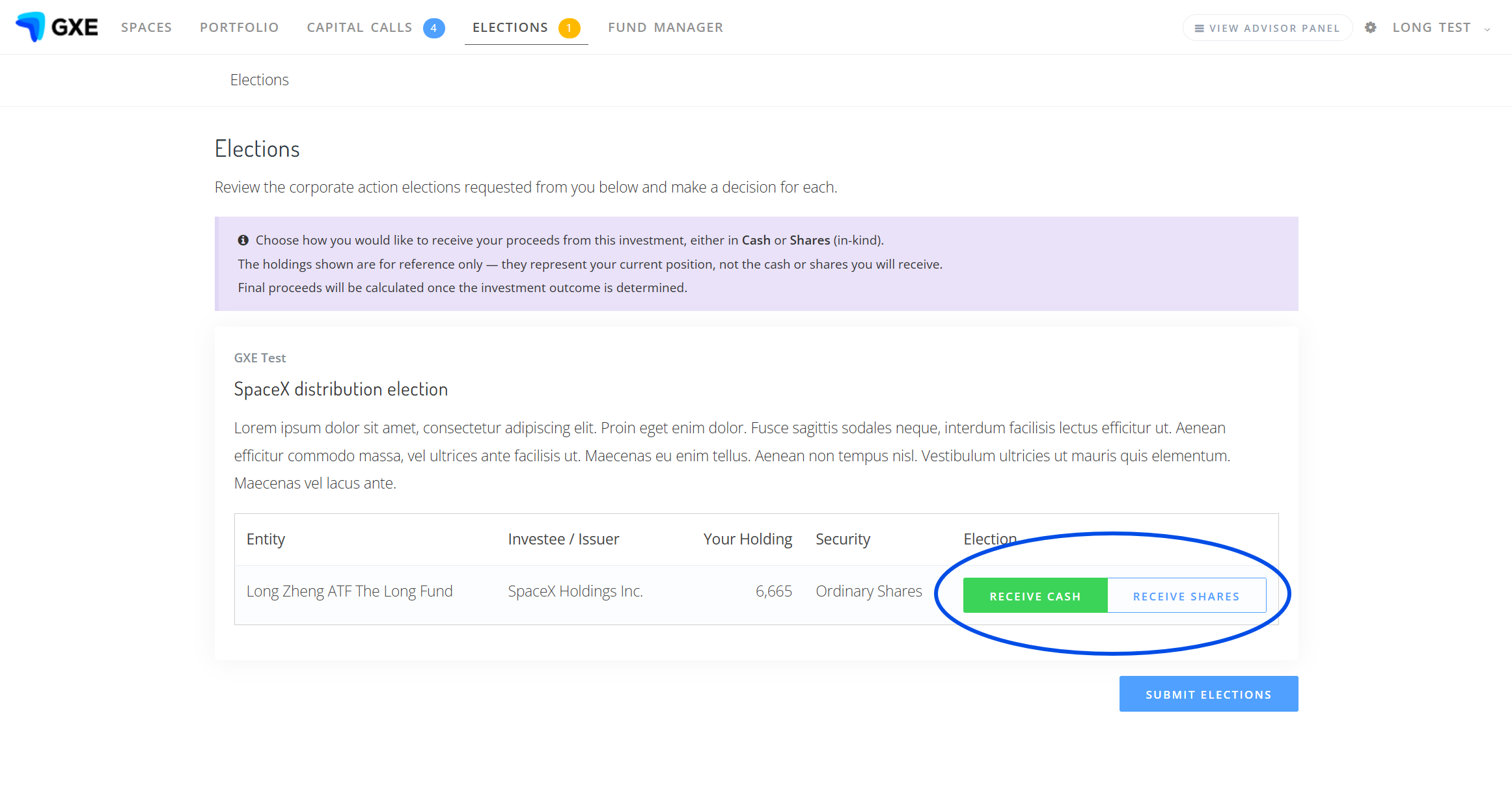
Once you've made choices for all your holdings, click "Submit" to lodge your election.
Please note once you have submitted your election, you will not be able to change your choice yourself.
Please contact your fund manager if you have any questions.